
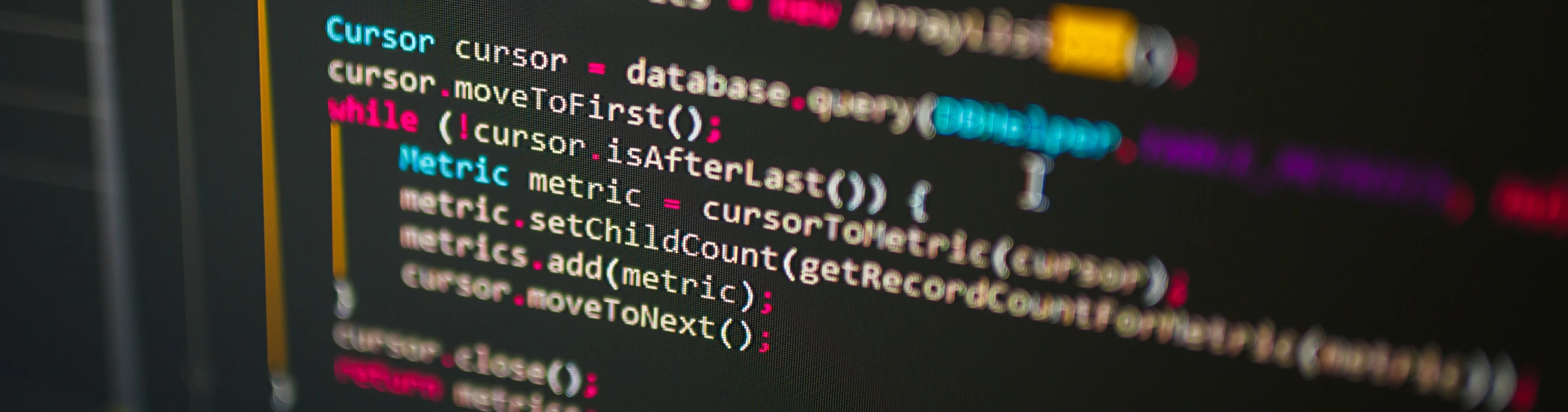
What children learn about computing and control at KS2
What the national curriculum expects
Computing and control appears under technical knowledge at KS2 only, as a single requirement: pupils should apply their understanding of computing to program, monitor and control their products. It’s deliberately open, so schools choose the technology. It connects directly to the computing curriculum, where pupils design, write and debug programs that accomplish specific goals, including controlling physical systems.
Key knowledge and concepts
Programming a product
Writing instructions that make something you built do a job
Inputs and outputs
Sensors and switches in, lights, sound and movement out
Monitoring
Using a product to measure or detect something
Control
Making a product respond automatically to what it detects
Debugging
Finding out why a program isn't doing what you intended
Designing with control in mind
Planning a product around what it needs to sense and do
Where this topic sits within KS2
Computing and control is a KS2 strand within design and technology technical knowledge, and it overlaps directly with the computing curriculum. Many schools teach it jointly, so the programming happens in computing and the product it controls is built in design and technology.
How to access this topic
Computing and control don’t sit on their own in the curriculum. The Cornerstones design and technology curriculum is fully sequenced from EYFS through Year 1 to Year 6, so you can see what comes before, what follows and how the whole picture fits together. We’ve done the thinking, so your planning time goes into teaching, not sequencing.
Full curriculum
Subject curriculum
Quick Teach Individual lessons and resources for supplementing what you already teach.
Ready to bring the wider curriculum to life?
See how the full Cornerstones Design and Technology Curriculum sequences topics like this one across every year group.